
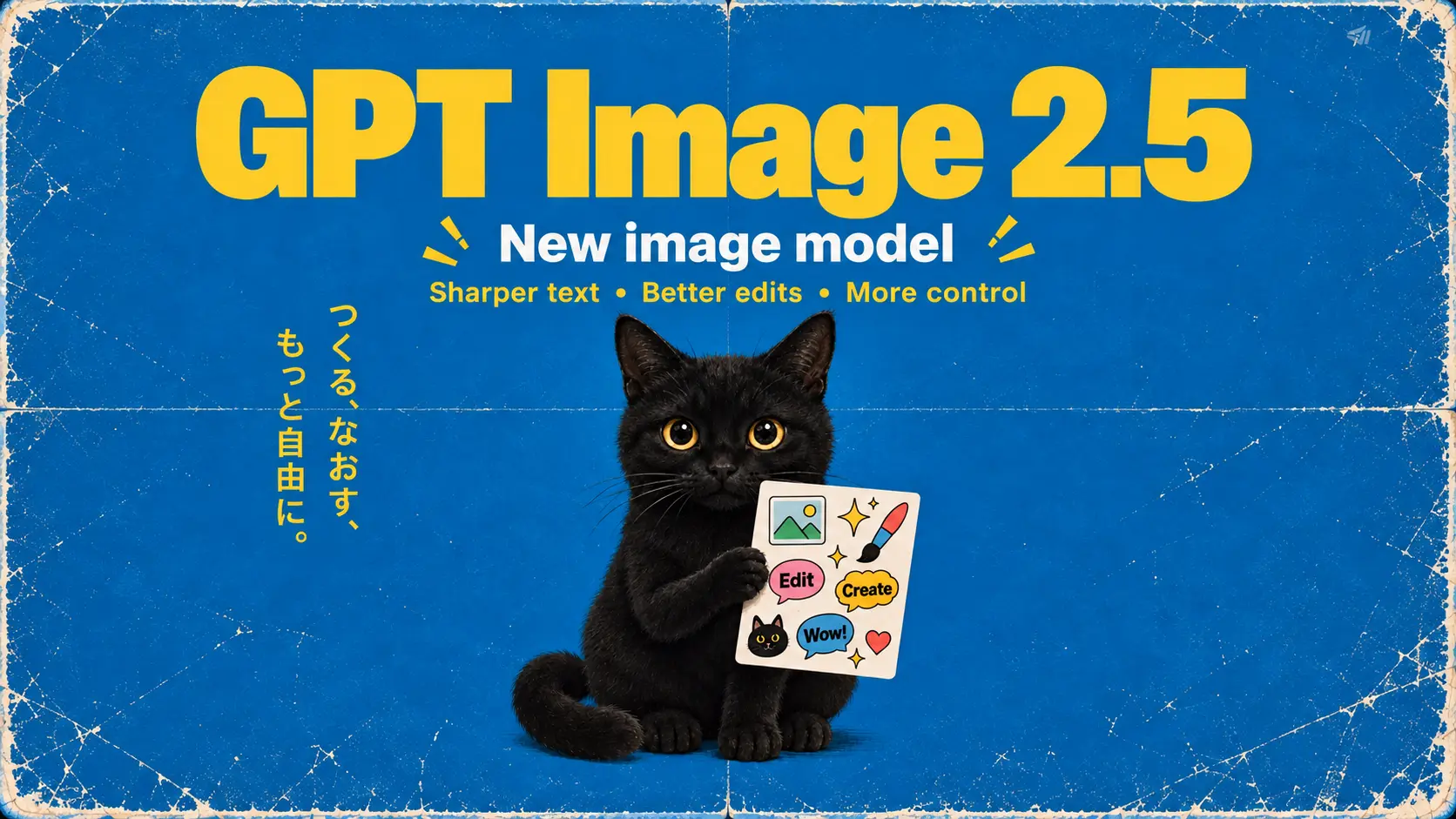
GPT Image 2.5
Choose your approach with GPT Image 2.5: explore everyday ideas in Flare, or turn to Sunburst for detailed edits from references.
Page coming soon →What would your product look like in a different setting? How might your next character take shape? Put your idea into words or start from an image, then explore a fresh visual direction.
Explore more tools
Your starting material and intended result help narrow the choice. Take a look at each model’s inputs and controls to decide where to begin.
Choose your approach with GPT Image 2.5: explore everyday ideas in Flare, or turn to Sunburst for detailed edits from references.
Page coming soon →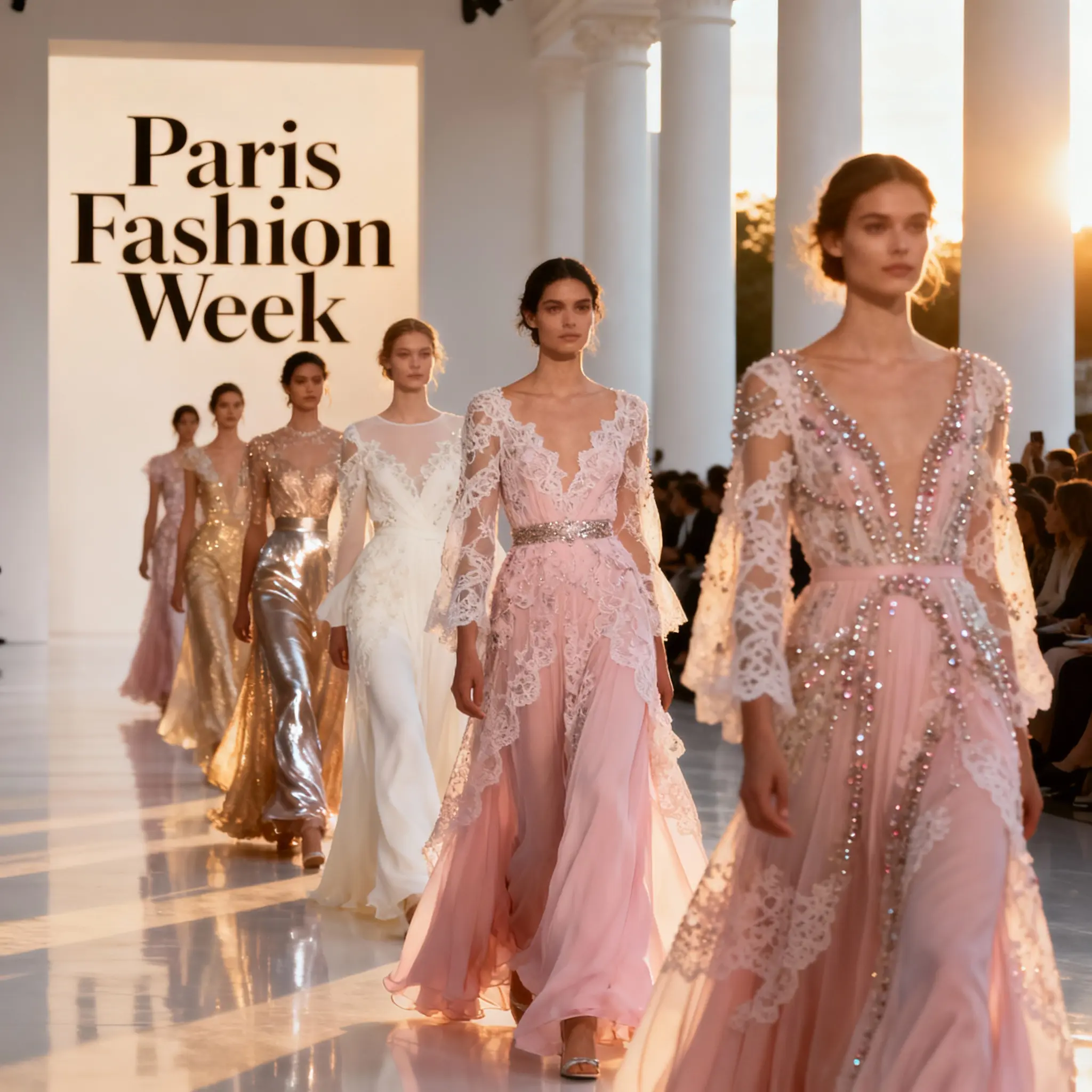
Explore a set of visual directions in one request: up to six outputs, 4K images, and support for up to 10 references.
Open Seedream 4.0 →Overview coming soon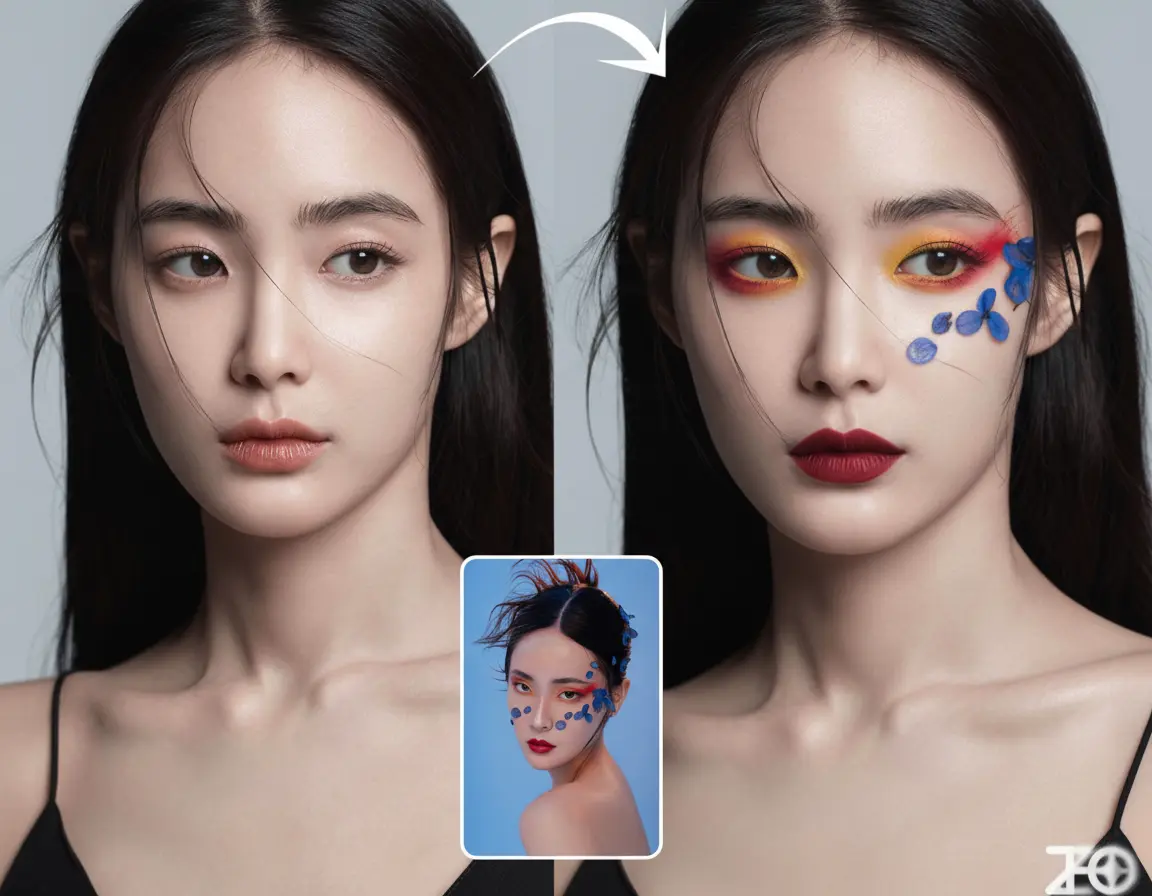
Give the character or scene another direction: begin with text or an image, then use each result as the starting point for your next edit.
Open Nano Banana V1 →Overview coming soonHow it works
The first image is a starting point. Look closely, decide what works, and build your next version around what needs attention.
Have a new composition in mind? Begin with text. For an existing picture, switch to image editing and explain both the changes you want and the elements to preserve.
Match the model and output options to your brief. Before submitting, confirm how many references it accepts and review the credit quote.
Look beyond the overall impression: check lettering, faces, and product details. Where something misses the mark, adjust the prompt or references for another version.
Preview the image you want to keep and download it. Completed images remain accessible through your assets when you want to return to them.
Why Choose KVideoAI
Work from the broad concept down to the details, with each change bringing the image closer to the direction you have in mind.
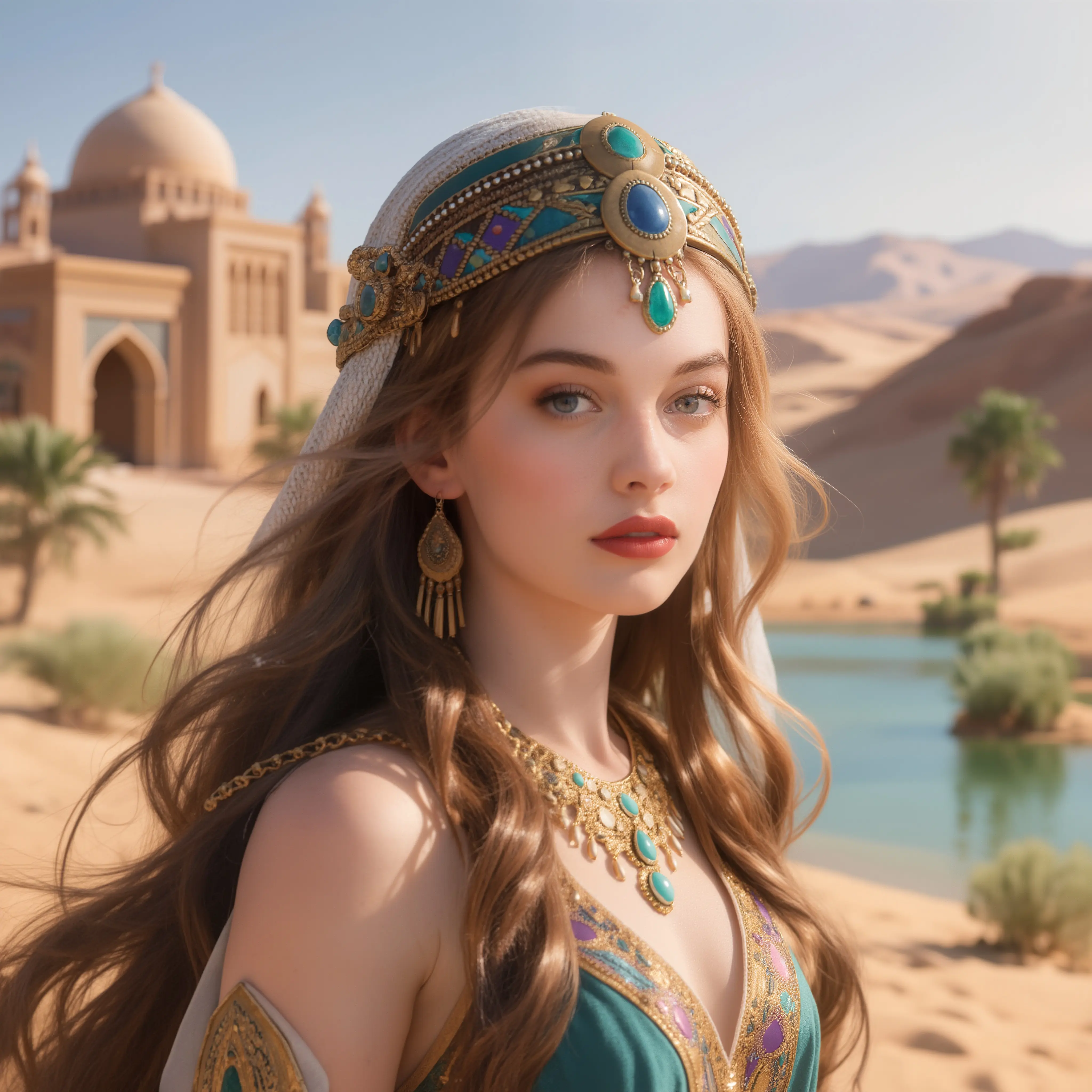
Let the task guide your model choice. Try your own brief, then judge the result by the details your project depends on.
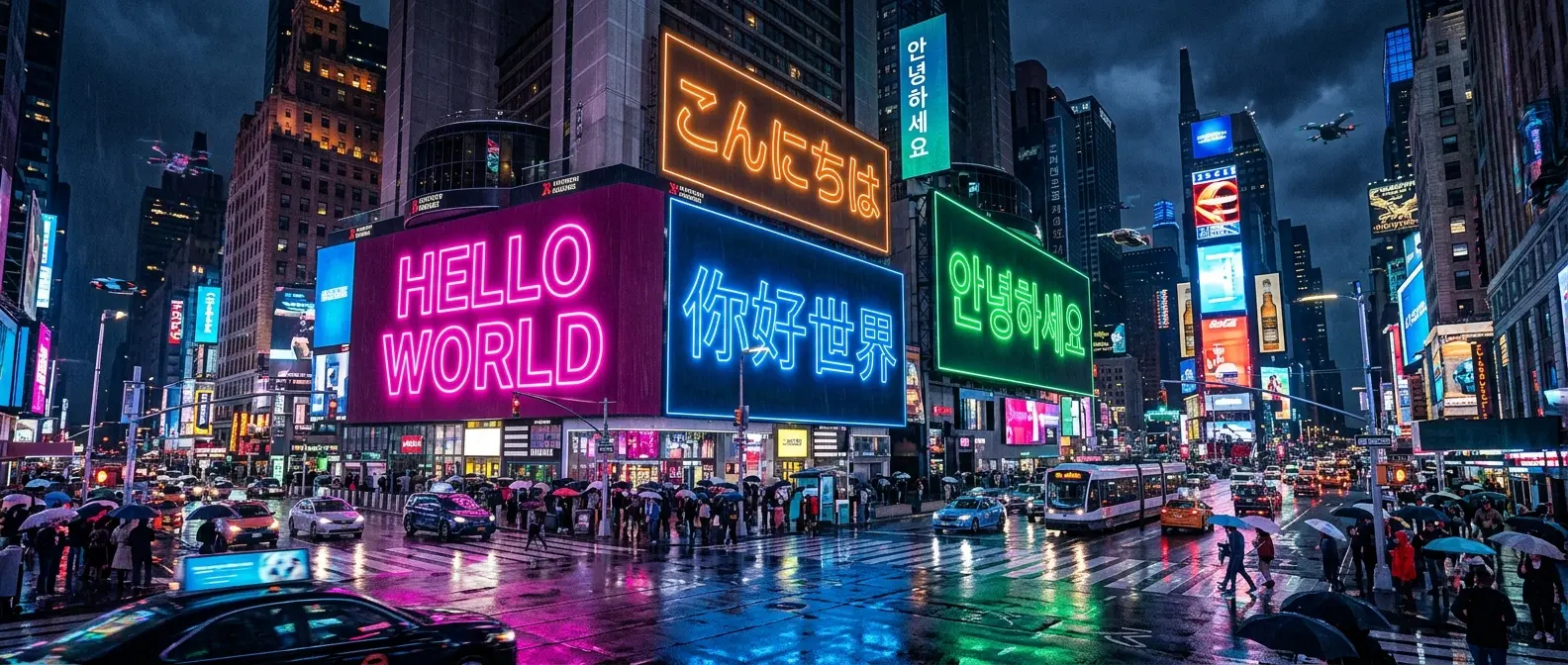
A softer light, a different backdrop, a small detail: describe the adjustment you want. Bring the edited result into your next request as a reference.
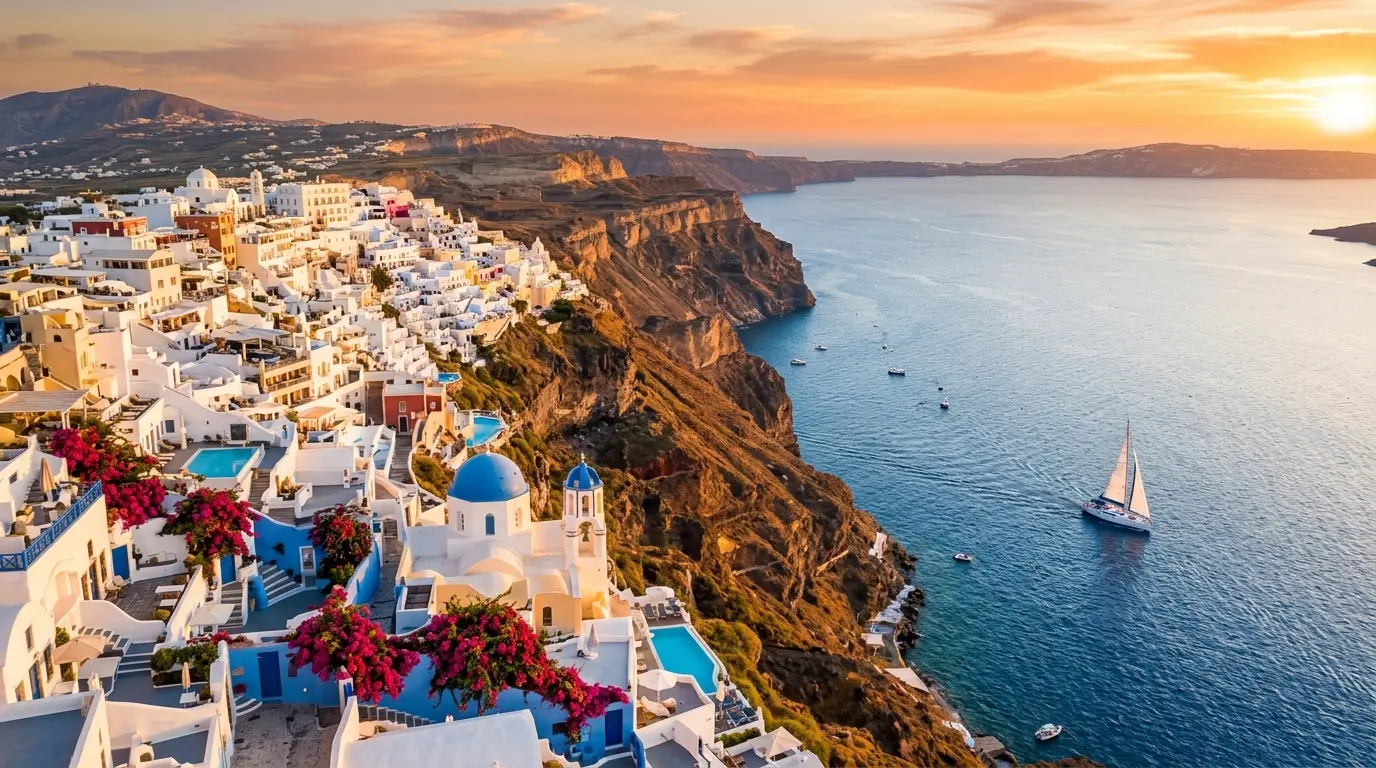
A post and a wide visual need different framing. Choose the available output options, and check model limits before planning large files or multiple references.
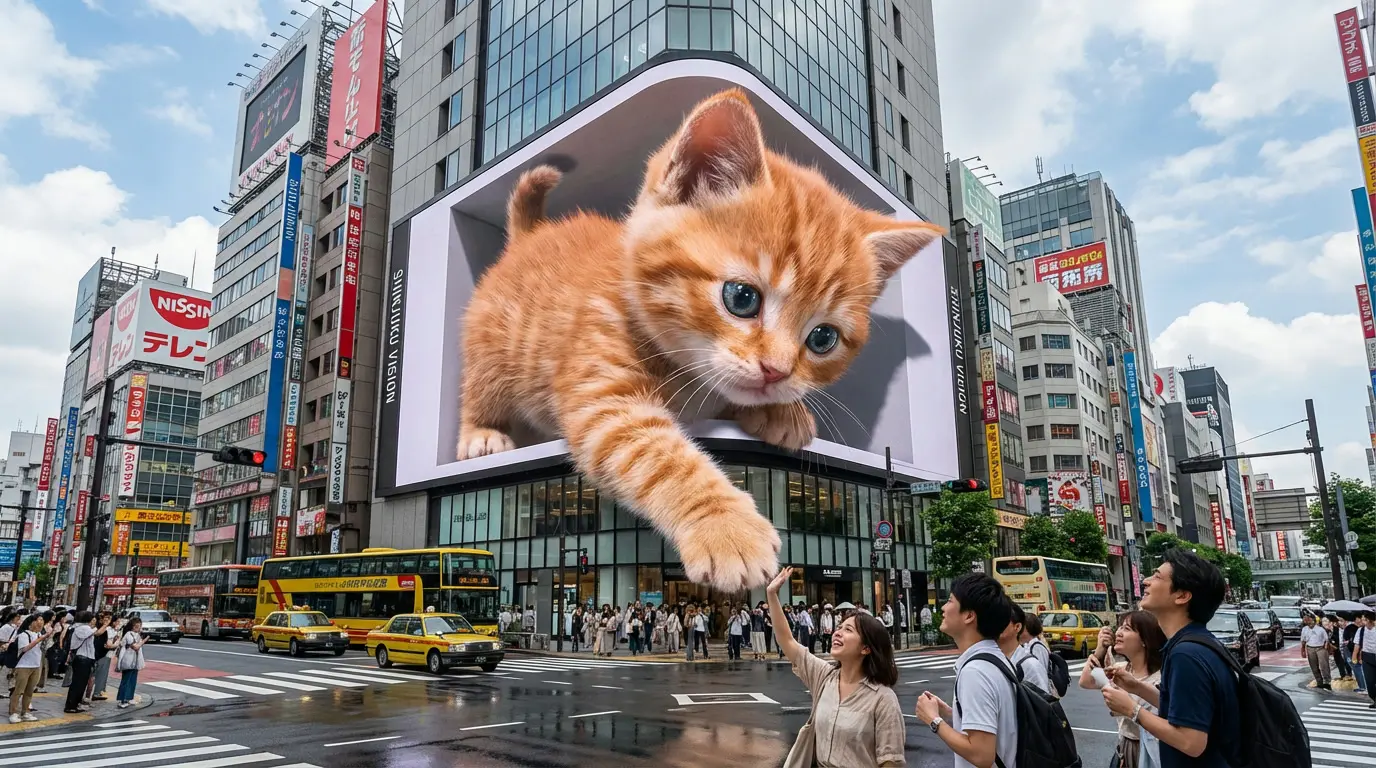
Keep recent results in view while you try different directions. Preview the alternatives and download the version you want to take forward.
Model guide
Start with the inputs and outputs your project calls for. Once the image is ready, give its text, faces, and product markings a careful final review.
Choose your approach with GPT Image 2.5: explore everyday ideas in Flare, or turn to Sunburst for detailed edits from references.
Page coming soonTry Flare when you want to explore image ideas and everyday variations.
Use Sunburst to give reference edits closer attention to composition and finer details.
Decide between Flare and Sunburst, then explain your intended result and what should remain unchanged.
Built for real creative work
From product shots and campaign assets to character references and social posts, the AI Image Generator gives your visual ideas a place to begin.
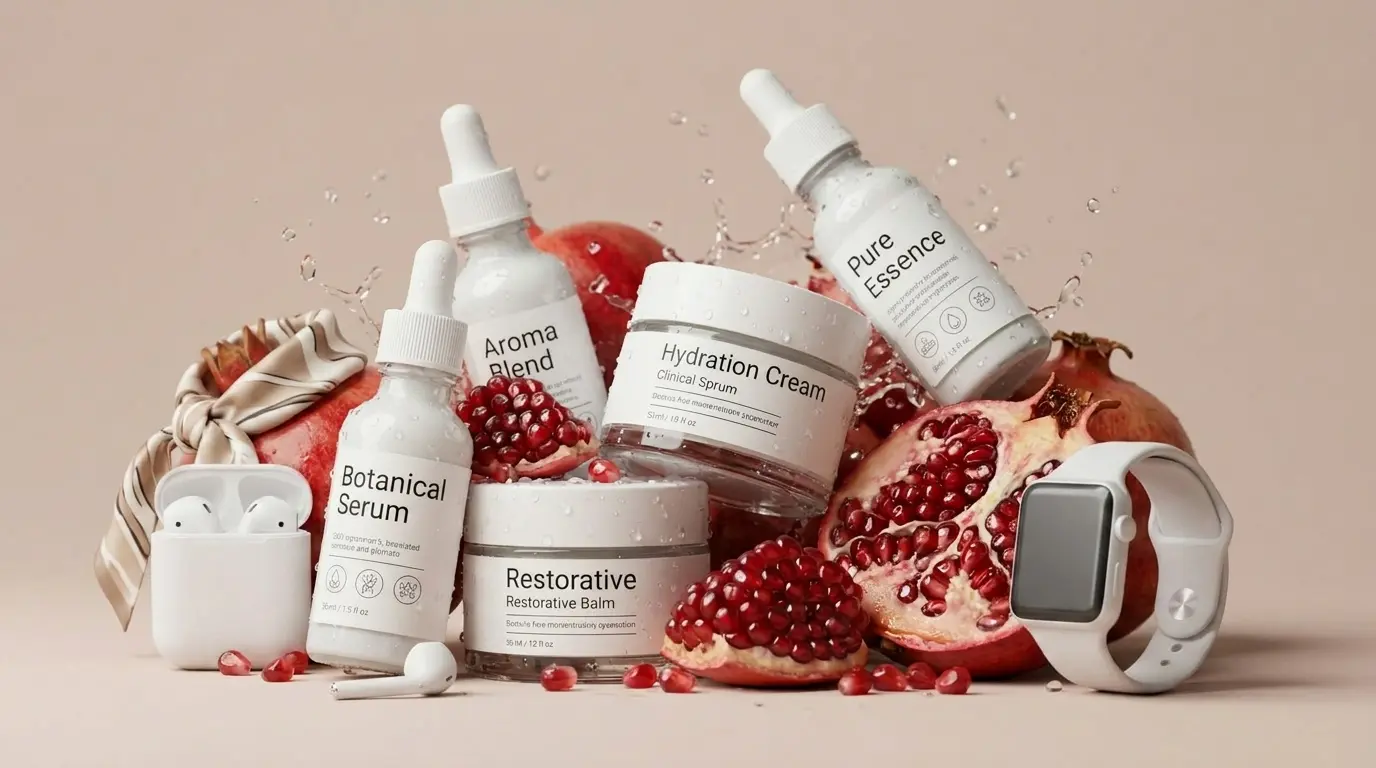
Plan a seasonal display, rethink the backdrop, or try another campaign composition. KVideoAI lets you explore how the same product could look in a different setting.
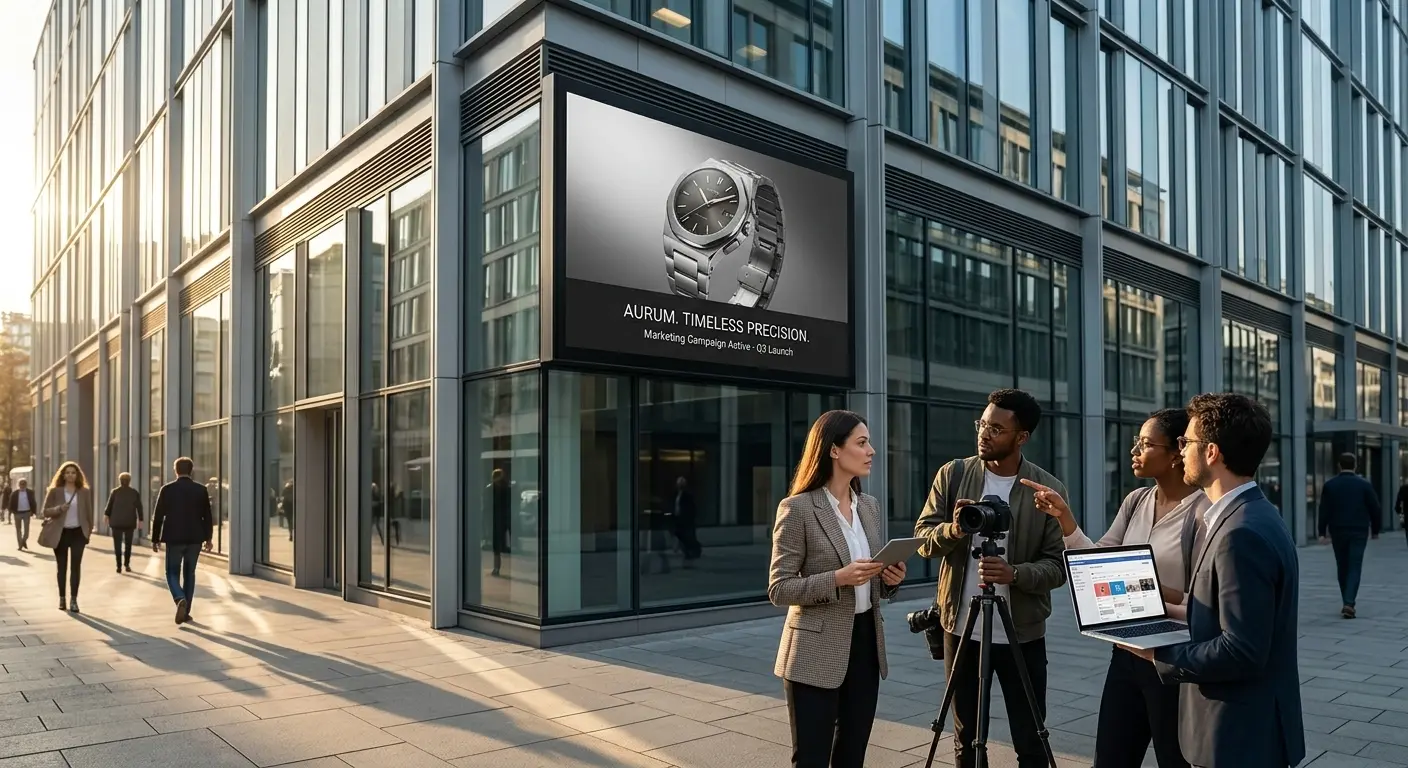
Give the team something to discuss before settling on a direction. Use KVideoAI to explore a launch concept, an ad treatment, or the campaign’s key visual.
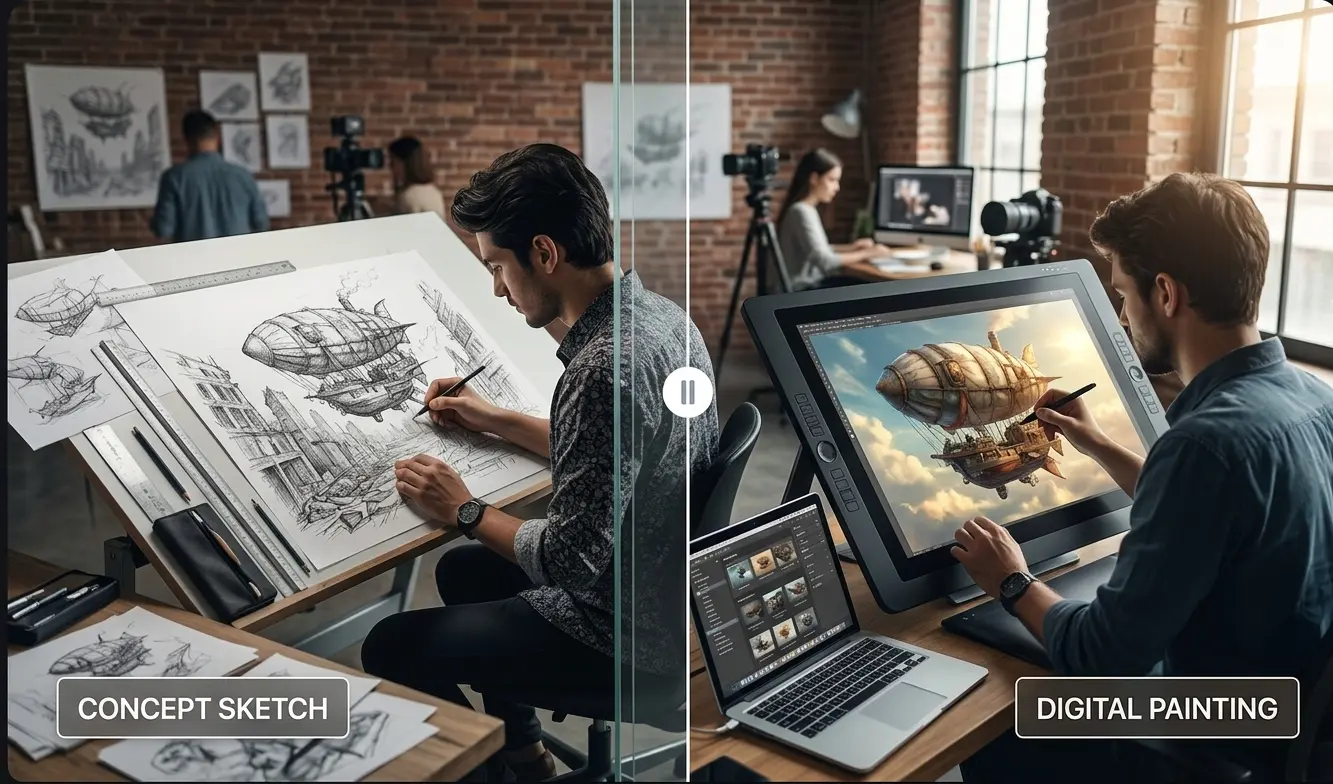
Place a character somewhere new or sketch a moment in the story. References help convey the look you want to carry into the next version.
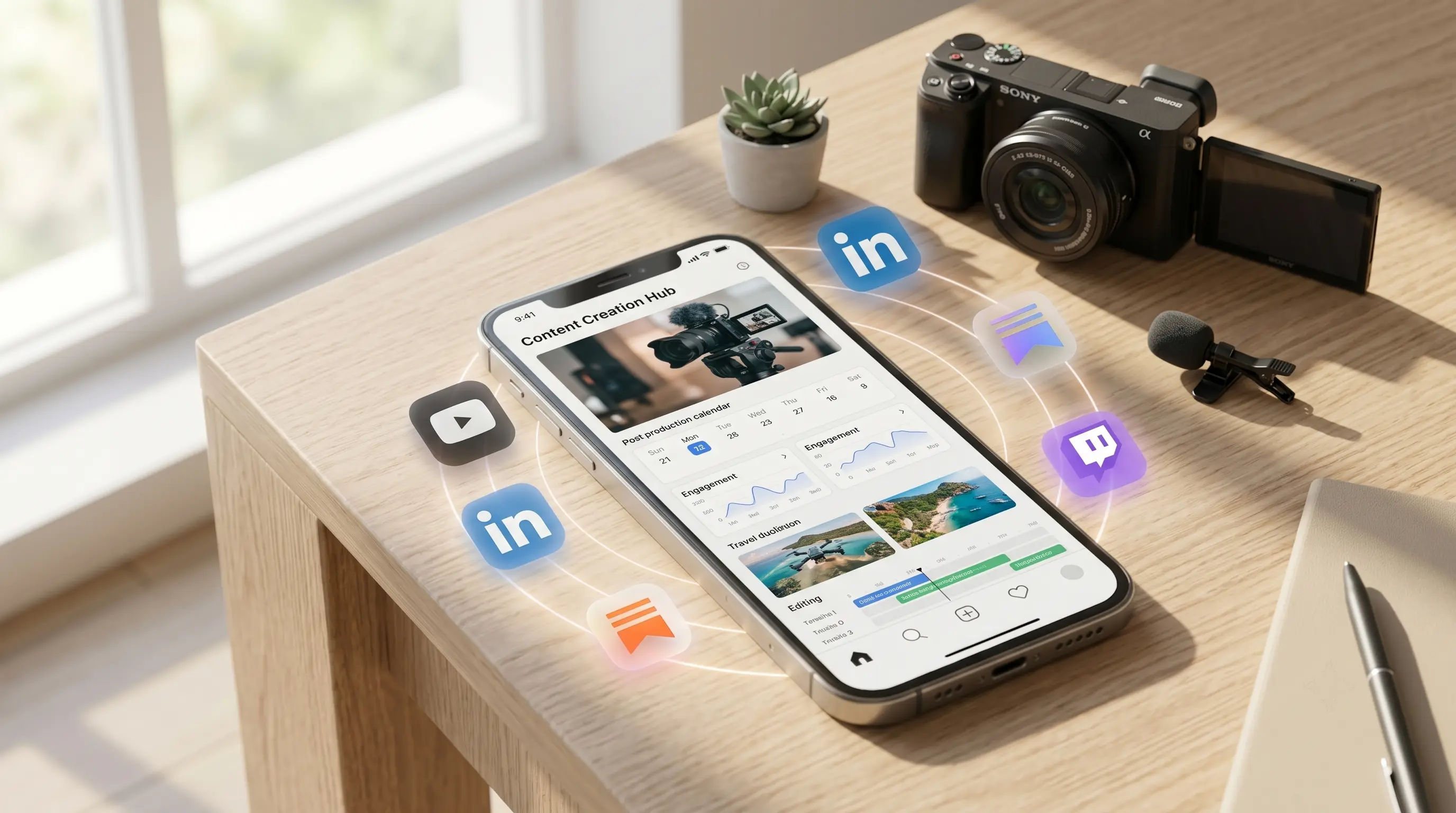
Keep a useful visual as your starting point, then vary its setting, crop, or details for the next thumbnail or post in a series.
Built for Real Creative Work
From product images to brand campaigns, the AI Image Generator brings the right model, references, and creative tools into one workspace.
E-Commerce Creative Lead
"Seedream 4.0's ten reference images are enough to explore product scenes, seasonal variations, and campaign assets. We move from a rough brief to polished directions without rebuilding every concept."
Brand Strategist
"The model guide makes the decision simple: Nano Banana 2 for fast early concepts, Nano Banana Pro when the campaign needs a high-fidelity finish."
Content Creator
"Nano Banana 2's conversational editing keeps my subject and style consistent across thumbnails, post visuals, and recurring social series. Every new asset starts from the last one, not from scratch."
Art Director
"KVideoAI keeps the full visual workflow connected: prompt generation, image creation, refinement, and upscaling, so our team stays focused on creative direction instead of switching tools."
FAQ
Plan your first image or next edit with a clearer view of the workflow.
An idea in words or a reference image is enough to begin planning. Pick a model, check the credits, and start working toward the picture you want.
Create your first versionKVideoAI is an independent AI platform for video and image creation. KVideoAI is not affiliated with, endorsed by, or sponsored by OpenAI, Google, ByteDance, or any other AI model provider. Model names and trademarks belong to their respective owners.